Start with a spark.
Create a logo from a guided brief, or upload the one you already have. Your brand is the starting point.
A NEW IDEA OR AN EXISTING IDENTITYYOUR NEXT CHAPTER, BY DESIGN
Create a logo or bring your own. Then turn it into campaigns, packaging, and a world of brand possibilities—all through conversation.
Create a new logo or bring the one you love.
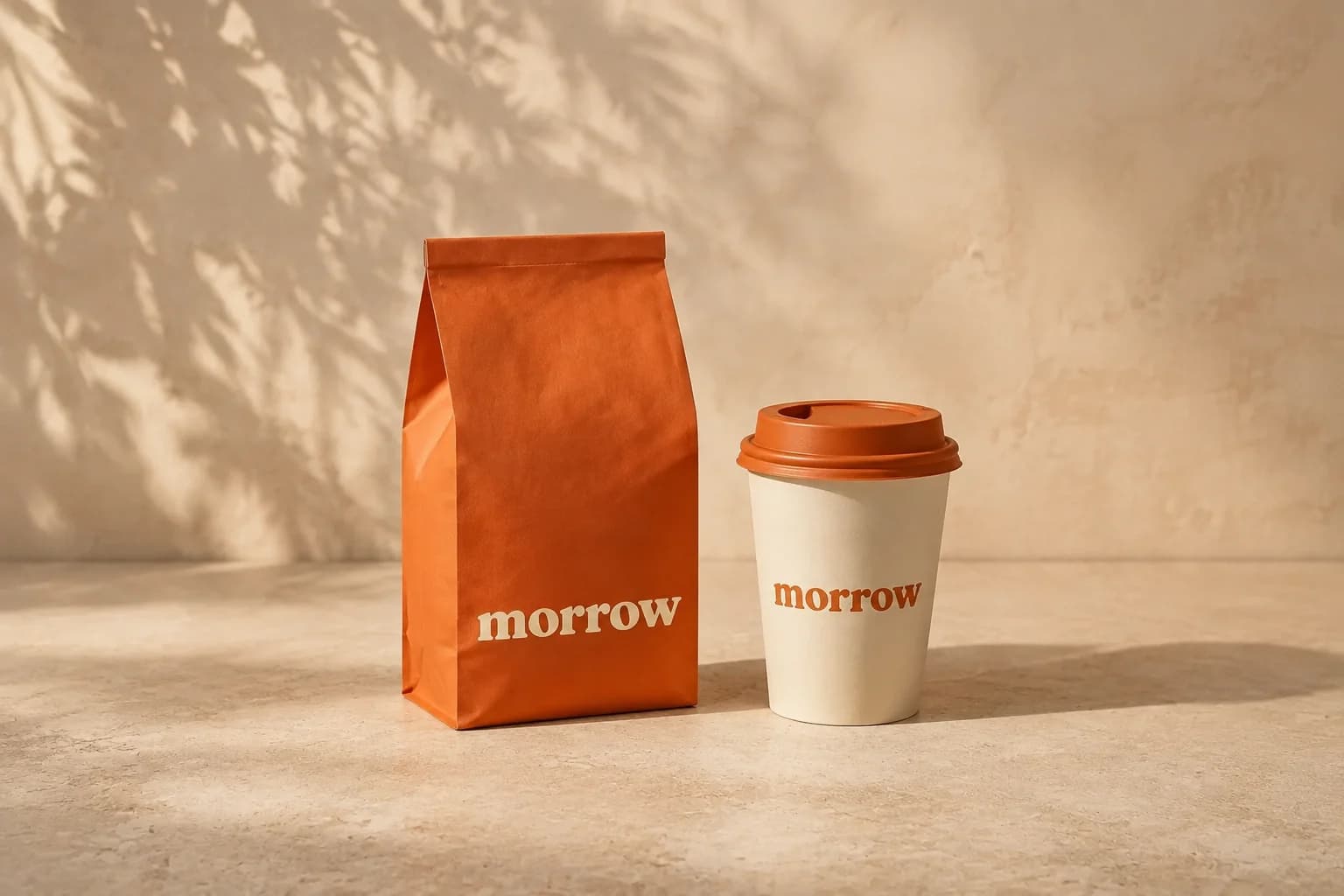 THE BRAND, BROUGHT TO LIFE
 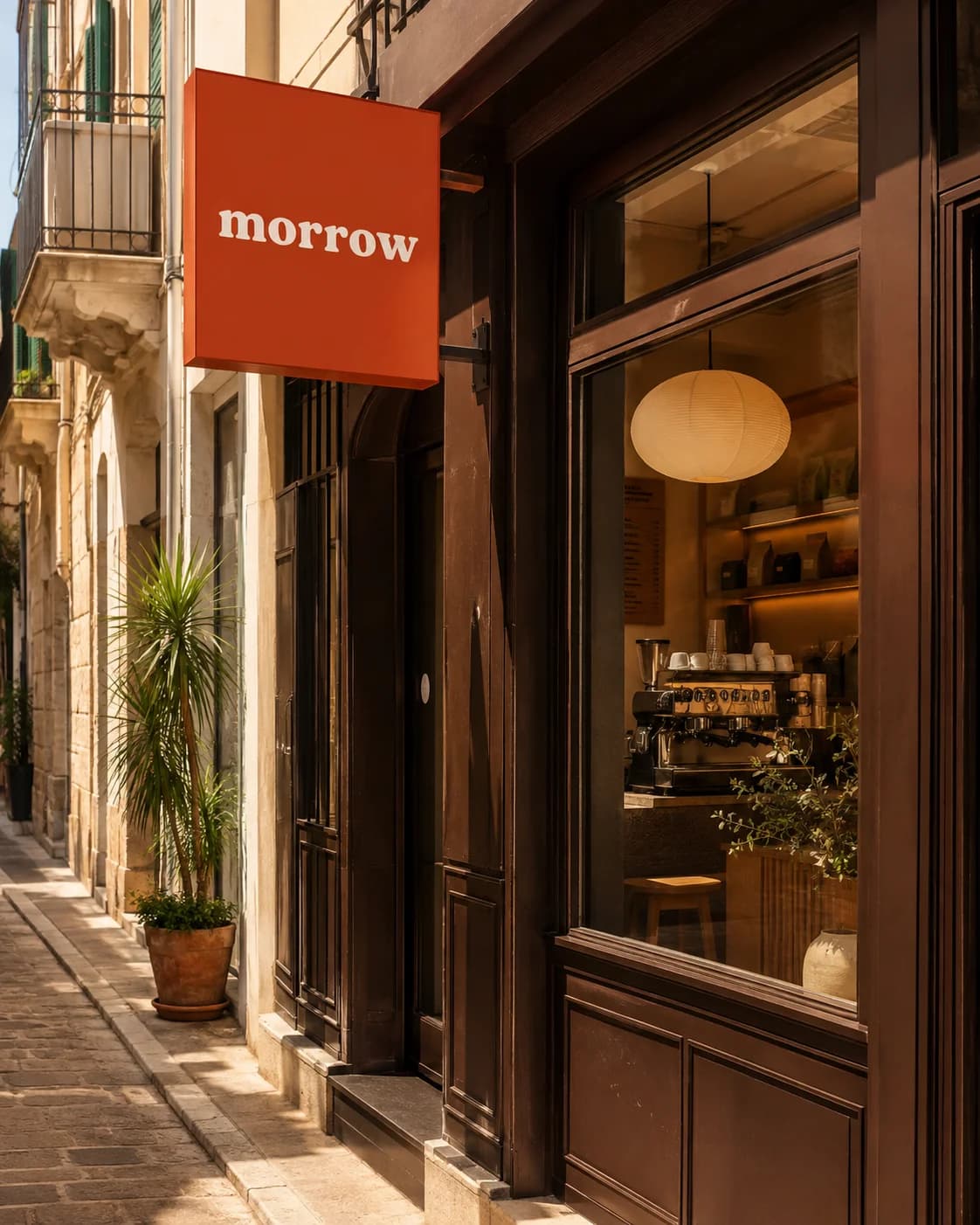 OUT IN THE WORLD
 FROM A MARK TO A MOOD.Illustrative concept / 001
Logos Campaigns Packaging Social Signage And what’s next
THE POSSIBILITIES
Your brand belongs in more than a folder.
Take one idea somewhere new, then keep going.
The right texture. A considered palette. A little shelf presence. Explore how your brand could look in someone’s hands.
Find your directionPrimary brand reference
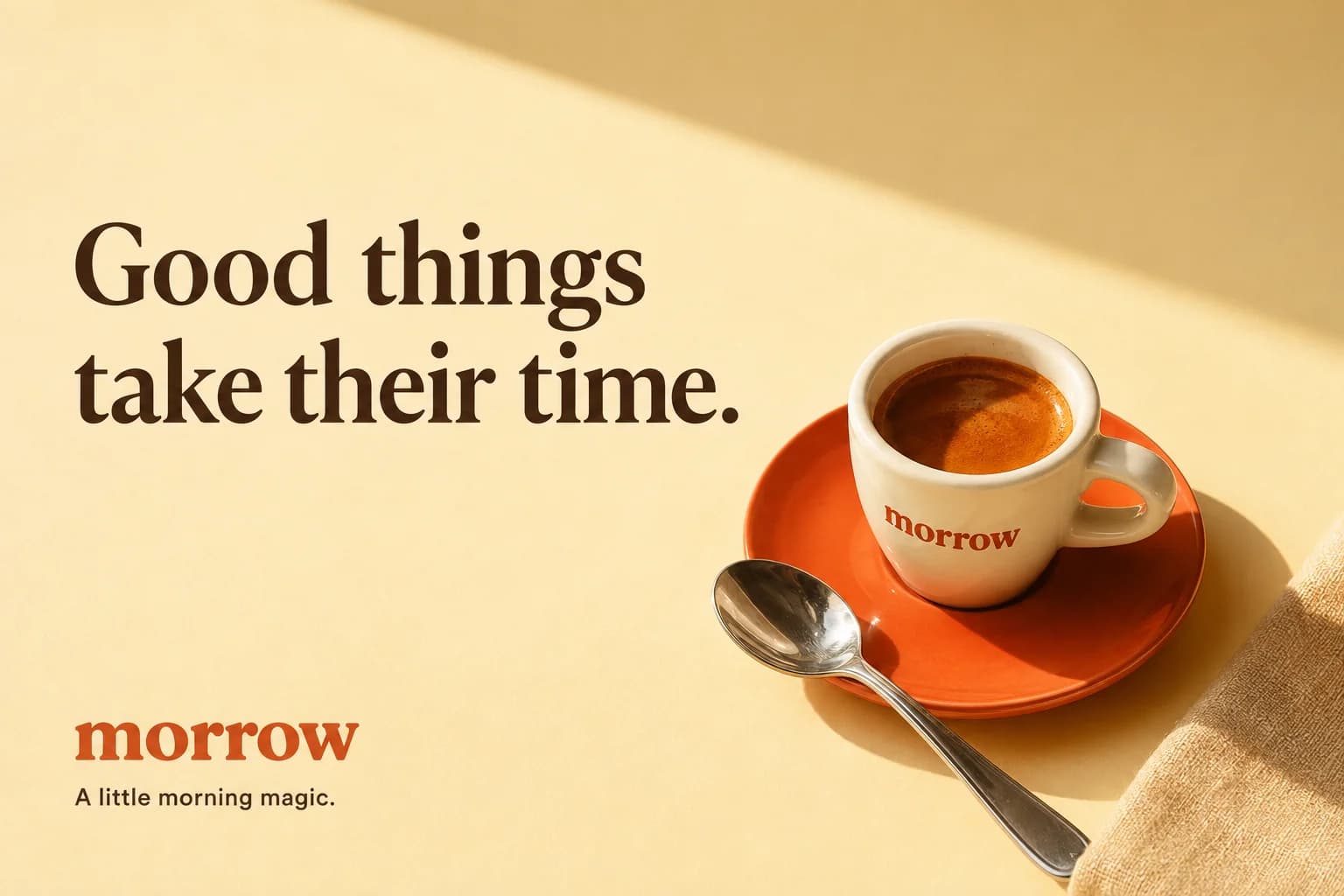
Meet Morrow, a fictional coffee brand. These illustrative concepts show a direction you could explore.
LESS FRICTION. MORE CREATION.
You bring the vision.
ReLogo helps you see it.
A small ritual. A brighter day.
Let’s start with that feeling.
Create a logo from a guided brief, or upload the one you already have. Your brand is the starting point.
A NEW IDEA OR AN EXISTING IDENTITYA launch that feels optimistic. A poster with attitude. Describe the audience, format, and feeling in your own words.
PLAIN LANGUAGE. CREATIVE POSSIBILITIES.Keep what works. Change what doesn’t. Refine in the same conversation, then download your favorite direction.
REFINE. REIMAGINE. REPEAT.WHEREVER YOU ARE, START HERE.
First-time founder or next-time creator.
There’s a starting point for you.
Absolutely. Tell ReLogo your brand name, what you do, and how you want the brand to feel. A guided brief helps you explore visual directions and logo concepts. Choose a favorite as your primary logo, then build from there.
Upload your existing logo as a PNG, JPEG, or WebP. A transparent version is ideal. Set it as your primary reference in the conversation, then describe the campaign, product scene, or other visual you want to create.
Explore logo concepts, social posts, launch campaigns, product scenes, packaging directions, posters, storefronts, and signage. Refine the color, composition, mood, or aspect ratio through follow-up messages.
ReLogo helps you explore and refine creative concepts. Image generation can alter small lettering or logo geometry, so review brand details before using an output. Packaging and signage concepts still need the appropriate production preparation.
Image generations use credits. Free and paid options are available; the pricing page has the current allowances and plan details.
View plans and creditsYour logo. Your vision. Let’s see where it goes.
Cookies help us improve ReLogo. Accept to allow analytics and advertising cookies (Google, Meta), or decline to keep them off. Privacy